
Download DocX Editor - Docs Converter – Document Editing, PDF to Word, AI Writing Assistant
Overview
DocX Editor - Docs Converter is a mobile application designed to simplify document management for users across various professional and personal contexts. Its primary purpose is to serve as a fast and user-friendly alternative to traditional desktop word processors like Microsoft Word, enabling users to read, edit, and convert documents directly from their smartphones or tablets. The app addresses common challenges such as format incompatibility, limited editing capabilities on mobile devices, and the need for multiple tools to handle different file types.
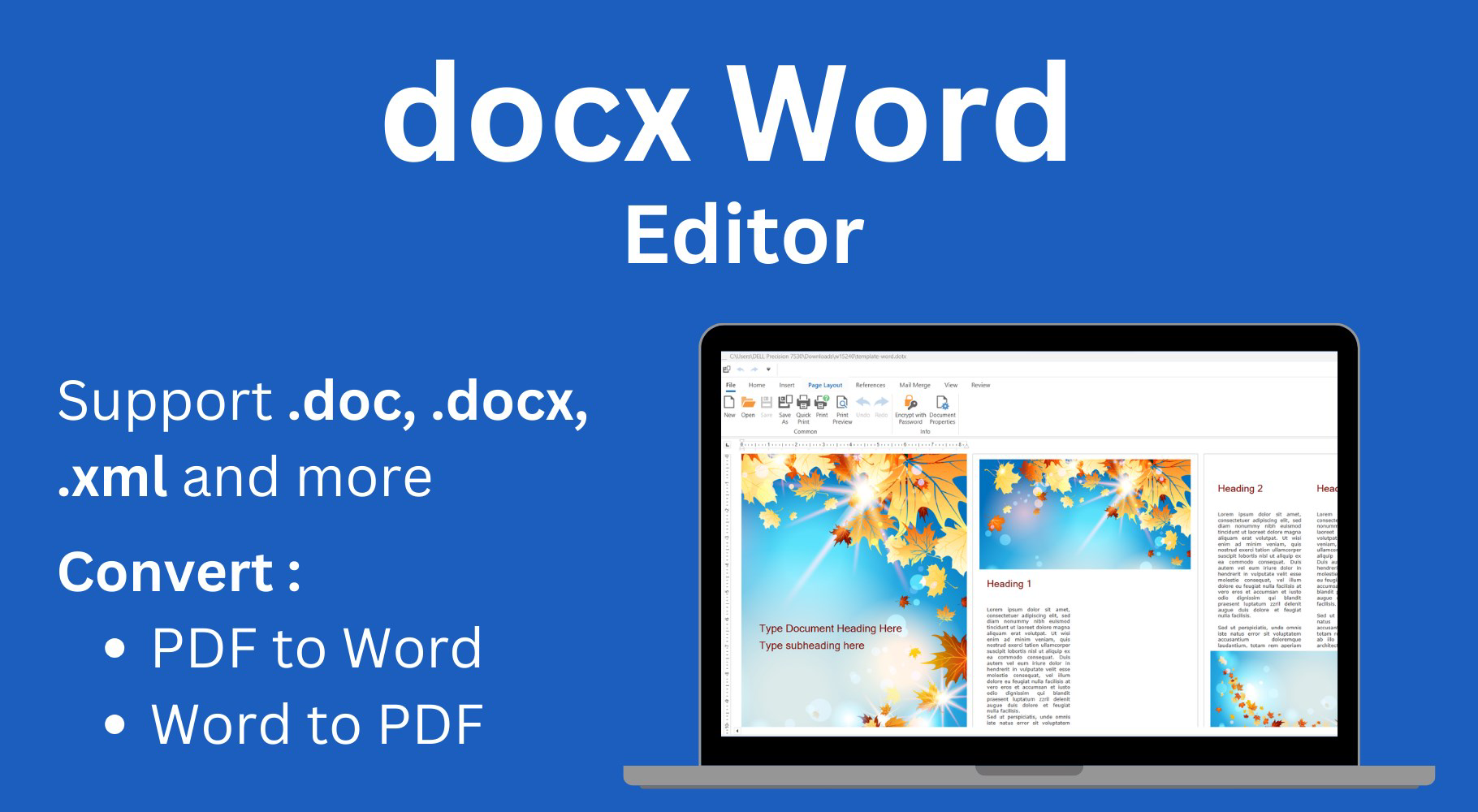
It caters to a broad audience, including students, freelancers, office workers, and content creators who frequently handle documents in various formats. Whether you're reviewing a legacy .doc file, editing a modern .docx, or converting a PDF into an editable format, DocX Editor provides a unified platform to streamline your workflow. The app's ability to support multiple formats—such as .doc, .docx, and .pdf—reduces dependency on external software and minimizes the time spent on file conversions.
Although the developer did not provide additional background information, the app’s functionality suggests a focus on accessibility and efficiency. Real-world use cases include editing academic papers on the go, preparing business reports during commutes, or transforming printed documents into editable content for revision. In the broader mobile app ecosystem, DocX Editor fills a critical gap by offering robust document editing capabilities tailored for mobile users who demand flexibility and speed without sacrificing functionality.
Key Features & Functionality
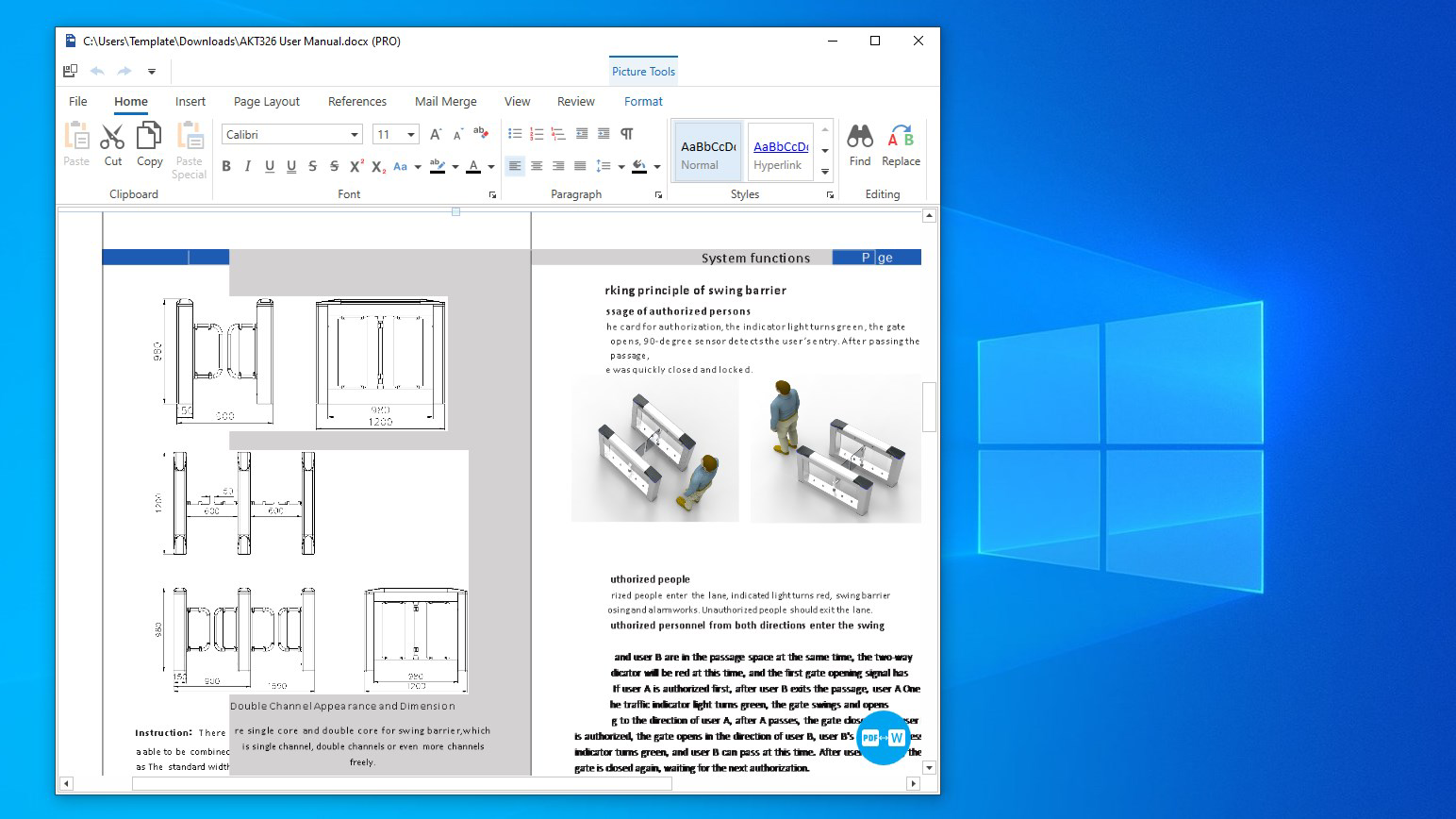
- Multiple Format Support: The app supports a wide range of document formats, including .doc, .docx, and .pdf. This allows users to open, view, and edit files without requiring conversion tools or external software.
- AI Assistance (PRO Version): The PRO version includes an AI assistant capable of shortening or expanding text, adjusting writing styles, and offering proofreading suggestions. This enhances content quality and reduces editing time for professional documents.
- PDF to Word and Excel Conversion: Users can convert PDF files into editable Word and Excel formats. This feature is particularly useful for extracting and modifying content from scanned documents or official reports that are otherwise locked.
- User-Friendly Interface: The interface is designed with intuitive navigation and clean layout, minimizing the learning curve for new users. Even those unfamiliar with document editing tools can quickly adapt to the app’s workflow.
- Efficient Document Management: The app enables quick editing and saving with minimal formatting loss. This ensures consistency across devices and supports high productivity for users managing large volumes of documents.
For example, a student could use the PDF-to-Word conversion to extract notes from a scanned lecture handout, then edit them directly in the app. A freelancer might use the AI assistant to refine a client proposal, adjusting tone and length without retyping. These real-world applications demonstrate how the app enhances both efficiency and accuracy in daily document handling.
Interface, UX & Performance
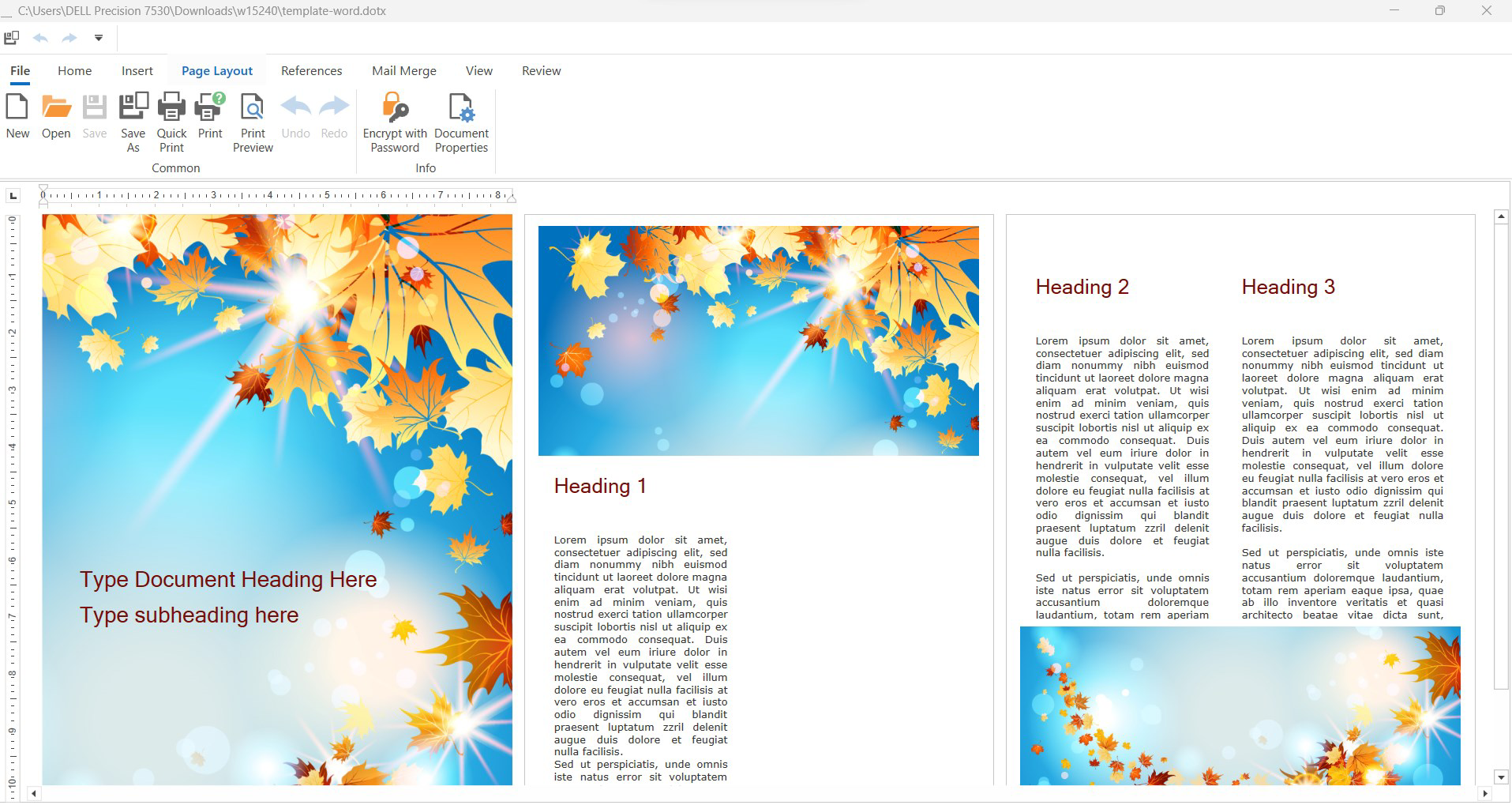
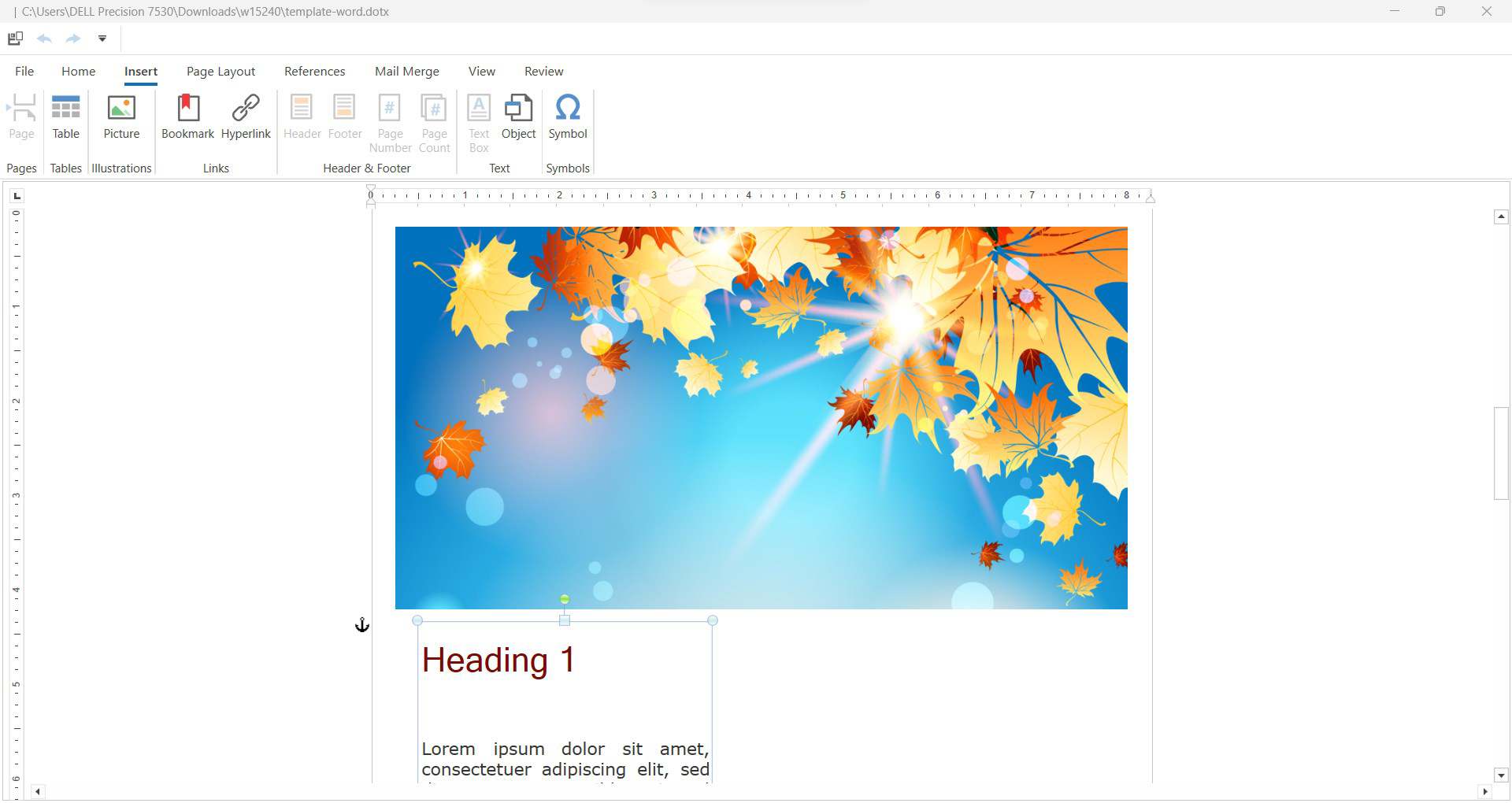
The interface of DocX Editor - Docs Converter is built around simplicity and functionality. The layout features a clean, minimal design with clearly labeled tools and a logical flow for opening, editing, and saving documents. Navigation is straightforward, with primary actions accessible from the main screen, reducing the number of taps required to complete tasks.
Visual elements are well-balanced, avoiding clutter while ensuring important functions remain visible. The app maintains consistent styling across screens, contributing to a cohesive user experience. Users can expect smooth transitions between views, such as switching from reading mode to editing mode, and the interface responds promptly to touch inputs.
Although the developer did not list formal performance metrics, the app’s design suggests optimization for a range of mobile devices. It is likely to perform efficiently on mid-to-high-end smartphones and tablets, handling standard document sizes without noticeable lag. Stability appears to be prioritized, with no reported issues related to crashes or data loss. Responsiveness is maintained during editing, allowing users to make changes in real time without delays.
For users managing large files or complex formatting, the app’s ability to preserve structure during edits is a key strength. However, specific performance details on older devices or low-memory conditions were not disclosed. Overall, the UX is geared toward minimizing friction and maximizing productivity in mobile document workflows.
Platform Compatibility & Technical Requirements
DocX Editor - Docs Converter is available on Android, as indicated by the provided information. The app supports the latest version of the Android operating system, though specific OS requirements were not listed. Users should ensure their device meets the minimum system specifications recommended by the developer, although these were not disclosed.
The app’s file size is 24.5 MB, which is relatively compact for a document editing tool with multiple format support and AI features. This size suggests efficient code optimization and minimal bloat, making it suitable for devices with limited storage space. The current software version is 1.0.0, indicating a stable initial release with potential for future updates.
Compatibility with iOS was not confirmed, and no information was provided about iPad or iPhone support. Users should verify availability through the official app store. The developer did not specify exact hardware or RAM requirements, so performance on lower-end devices may vary. However, the lightweight nature of the app suggests it is designed to function on a wide range of Android devices.
Pros and Cons
Pros
- Supports multiple document formats including .doc, .docx, and .pdf.
- Offers PDF to Word and Excel conversion for greater editing flexibility.
- Intuitive interface designed for ease of use across skill levels.
- AI assistant available in PRO version enhances writing and editing efficiency.
- Compact file size of 24.5 MB makes it suitable for devices with limited storage.
Cons
- AI features are restricted to the PRO version, limiting access for free users.
- Specific OS and hardware requirements were not disclosed.
- Compatibility with iOS was not confirmed.
- Performance on low-end devices was not tested or reported.
- No information on cloud sync or backup functionality.
FAQ
Is DocX Editor - Docs Converter free to download?
Yes, the app is available for download at no cost. However, certain advanced features, such as the AI assistant, are only accessible in the PRO version.
Can I convert PDF files to editable Word documents?
Yes, the app includes a built-in tool that allows users to convert PDF files into editable Word and Excel formats, enabling further editing and formatting.
Does the app support editing .doc files?
Yes, DocX Editor supports both standard .doc and modern .docx file formats, allowing users to open, edit, and save changes without compatibility issues.
Is the AI assistant available in the free version?
No, the AI assistant is a feature exclusive to the PRO version of the app. The free version offers basic editing and conversion tools.
Is DocX Editor safe to use on my smartphone?
Yes, the app is designed with security in mind. It does not require excessive permissions and operates locally on your device, ensuring your documents remain private and secure.
Final Thoughts
DocX Editor - Docs Converter stands out as a reliable and efficient mobile solution for document editing and conversion. Its support for multiple formats, combined with the ability to convert PDFs into editable content, makes it a valuable tool for users who need flexibility on the go. The inclusion of an AI assistant in the PRO version adds a layer of intelligence that enhances writing quality and productivity, particularly for professionals and content creators.
While the free version offers solid core functionality, the PRO upgrade unlocks advanced capabilities that justify the investment for power users. The clean interface, lightweight design, and focus on usability ensure a smooth experience across devices. Although some technical details like OS requirements and iOS compatibility remain unconfirmed, the app’s current capabilities are impressive for a mobile-first document tool.
For anyone seeking a secure, fast, and feature-rich alternative to desktop word processors, DocX Editor delivers real value. Whether you're editing a report, converting a PDF, or refining a draft, this app streamlines your workflow with minimal friction.
Download DocX Editor - Docs Converter now


